iPhone not ringing for incoming calls? 8 things to check
Published October 1, 2026 · 7 min read
When an iPhone doesn’t ring, it is almost always a setting, not a fault: Silent mode, a Focus, the unknown-callers filter, or the ring playing on a Bluetooth device instead. Work through the checks below from the top; most people find the cause in the first three.
If only one person’s calls don’t ring, jump to the checks about contacts and blocked numbers.
1. Is Silent mode on?
On iPhones with a ring/silent switch, orange showing on the switch means silent. On models with an Action button, Silent mode is toggled by pressing and holding the button (if it is set to Silent mode), and a bell with a line through it appears briefly at the top of the screen.
In Silent mode, calls vibrate but don’t ring.
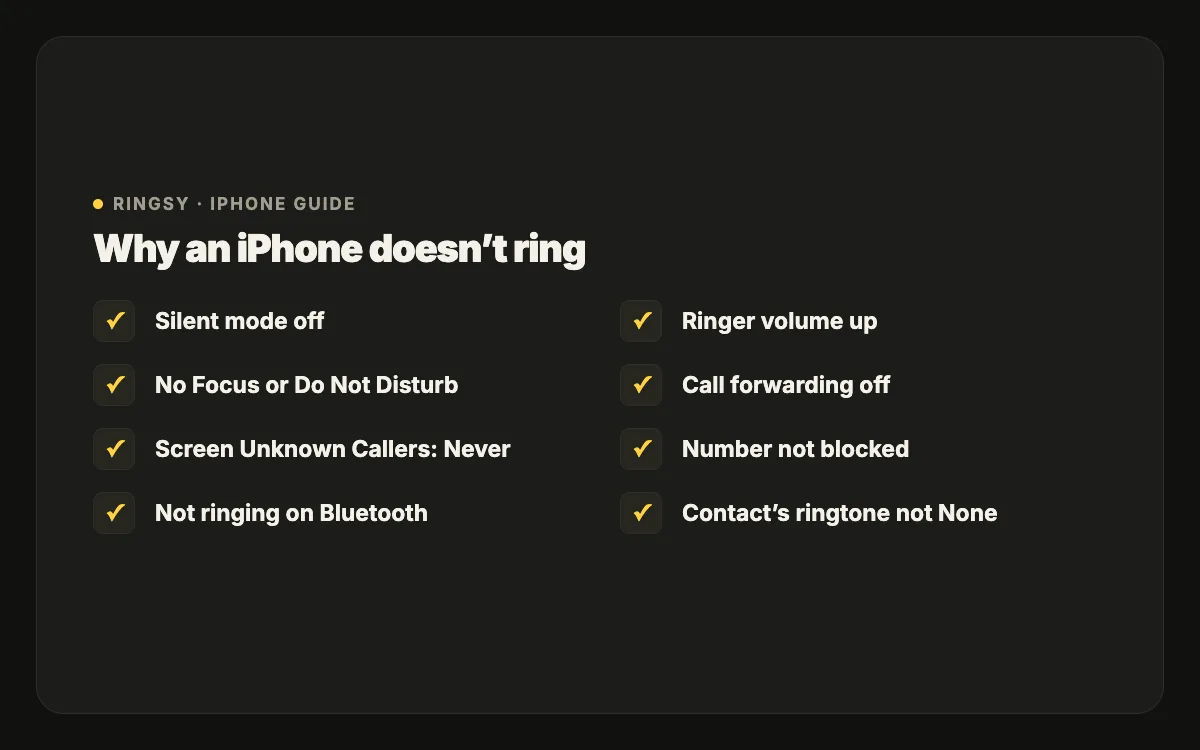
2. Is a Focus or Do Not Disturb on?
Focus modes (Do Not Disturb, Sleep, Work, Driving and your own) silence calls except from people you allow. Open Control Center: a highlighted Focus tile means one is on. Tap it to turn it off, or open Settings › Focus, pick the Focus and choose who may call under People.
A Focus can also turn on by itself on a schedule, when you arrive somewhere or when you open an app, so check its Set a Schedule section if it keeps coming back.
3. Are unknown callers being screened or silenced?
On iOS 26, open Settings › Apps › Phone › Screen Unknown Callers. Silence sends numbers that aren’t in your contacts straight to voicemail without ringing; Ask Reason for Calling has the iPhone answer them first and only rings once the caller says who they are. Choose Never if you need every call to ring — for example if customers or deliveries call you from new numbers.
On iOS 17 and 18 the equivalent is Silence Unknown Callers in the Phone settings.
4. Is the ring going to Bluetooth?
If earbuds, a car or a speaker is connected, the ring may play there. Swipe into Control Center and check the audio output, or briefly turn Bluetooth off and call yourself from another phone to test.
5. Is the ringer volume up?
Settings › Sounds & Haptics › Ringtone and Alerts sets the ringer volume, separately from music. If Change with Buttons is on, the side buttons may have turned it down in a pocket. Our guide to a quiet ringtone covers volume in more detail.
6. Are calls being forwarded or sent elsewhere?
- Settings › Apps › Phone (Settings › Phone on older iOS) › Call Forwarding should be off unless you set it up.
- Calls on Other Devices, in the same Phone settings, lets an iPad or Mac ring too; if you are on another device, the call may be picked up there.
- If calls go straight to voicemail even with everything above checked, ask your carrier whether forwarding is active on their side.
7. Is it just one person?
- Check whether the number is blocked: Settings › Apps › Phone › Blocked Contacts.
- Open the contact and tap Edit › Ringtone. If it is set to None, or to a custom tone you have since deleted, calls from that person can be silent or fall back to a sound you don’t expect. Pick a real ringtone.
- Emergency Bypass on that same screen makes one person ring even in Silent mode or a Focus — useful for family.
8. Still nothing? Restart and update
Restart the iPhone, then check Settings › General › Software Update. If the phone still won’t ring with Silent off, no Focus, no Bluetooth and the volume up, test the speaker by playing a video; if that is silent too, it is a hardware issue for Apple Support.
Where Ringsy helps
Ringsy can’t change these settings — they belong to iOS. It helps once the phone rings again: if the problem was that you didn’t notice the ring, a custom tone that is loud and recognisable in the first second makes a real difference. Ringsy evens out the volume of a recording or song by default, lets you start exactly on the sound you want, and sets the result as a ringtone on iOS 26 or walks you through GarageBand on iOS 17–18.