Hearing your iPhone at noisy work: construction sites, workshops and kitchens
Published October 1, 2026 · 6 min read
On a construction site, in a workshop or in a restaurant kitchen, a ringtone competes with machines and extractor fans. To catch calls there, combine three things: ringer volume at maximum with Attention Aware off, the camera flash and a strong vibration for alerts, and a ringtone with a sharp, mid-to-high sound that doesn’t sit in the same range as the noise around you.
None of this needs an extra app. Here is the set-up, in order of impact.
Turn the ringer up and keep it there
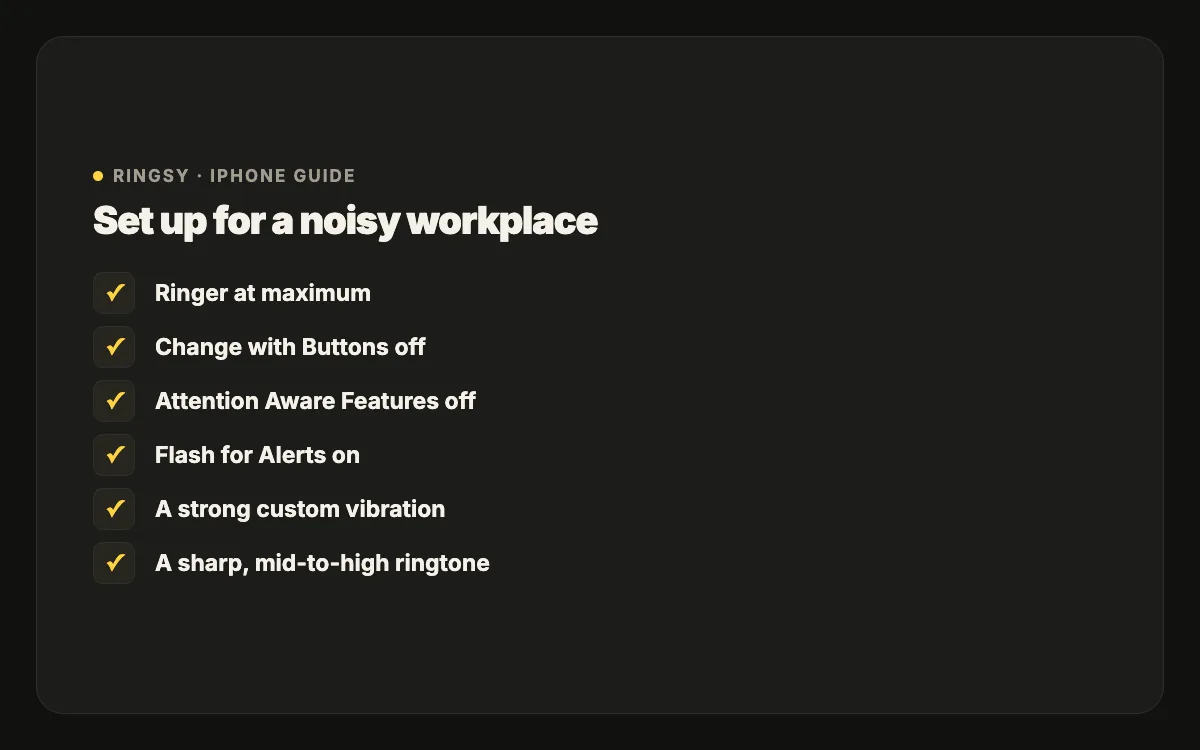
- 1Settings › Sounds & Haptics: drag Ringtone and Alerts to the right.
- 2Turn off Change with Buttons there, so gloves or a tight pocket can’t lower it.
- 3On Face ID iPhones, Settings › Face ID & Passcode › Attention Aware Features off — otherwise the ring drops as soon as you glance at the phone.
Add a light you can see
Settings › Accessibility › Audio & Visual › Flash for Alerts (called LED Flash for Alerts on some versions) makes the camera flash blink for calls and notifications. You can choose whether it flashes in Silent mode, and on recent iOS whether it flashes while the phone is unlocked. Lay the phone face down on a bench or keep it in a chest pocket with the camera outwards and you will see it before you hear it.
Use a vibration you can feel through work clothes
A short buzz disappears when you are holding a drill. Make a custom vibration with long pulses and short gaps: Settings › Sounds & Haptics › Ringtone › Haptics › Create New Vibration, then hold your finger down for each pulse. Keep the phone in a pocket against your body, not in a bag or on the van seat.
Pick a ringtone that cuts through noise
Machinery, generators and fans are mostly low and continuous. A ringtone that sits in the same range — a bass-heavy song, a soft pad — gets masked. Choose instead:
- Mid-to-high pitch: bells, whistles, a pluck, a voice. These stand out from rumble and are what a phone speaker reproduces best.
- Sharp attacks with gaps: a beep-beep pattern is noticed sooner than a smooth melody, because the ear catches changes.
- Full volume from the first second: no fade-in, no quiet intro.
- Not a common default: if colleagues use the same tone, you will either check your phone at every ring or learn to ignore it.
Earbuds and headsets on site
If you wear Bluetooth earbuds or a hearing-protection headset with Bluetooth, the ring plays there — great when they are in, a reason for missed calls when they are in the toolbox. If calls keep going silent, check Bluetooth first. Follow your site’s safety rules on wearing earbuds; many sites don’t allow them.
Test it where you work
Settings that sound loud at home can vanish next to a compressor. Before relying on them, ask a colleague to call you while the noisiest machine is running, with the phone where you usually keep it. If you miss it, move the phone (chest pocket rather than trouser pocket), try a sharper tone, or lean more on the flash and vibration.
Let important people through
For the foreman, a client or family, open the contact, tap Edit › Ringtone and give them their own tone, and turn on Emergency Bypass so they ring even if the phone is on silent or a Focus is on.
Where Ringsy helps
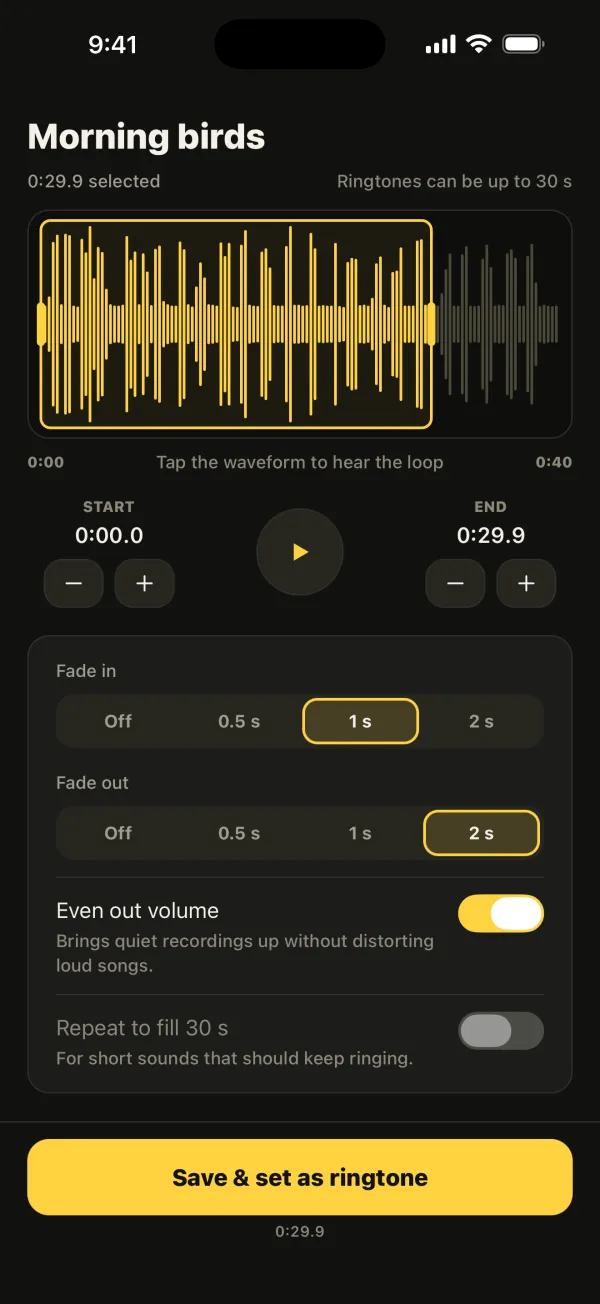
Ringsy helps you make a ringtone built for noise. Take a sharp sound — a whistle you record, a bell from a video, one of Ringsy’s original sounds — trim it so the sound starts at second zero, leave Even out volume on so it is as loud as the speaker allows, and use Repeat to fill 30 s so a two-second beep keeps ringing for the whole call. Join can put a short beep in front of a song so the first second is always the sharp part.